Manage Homebrew Services.
Beautifully.
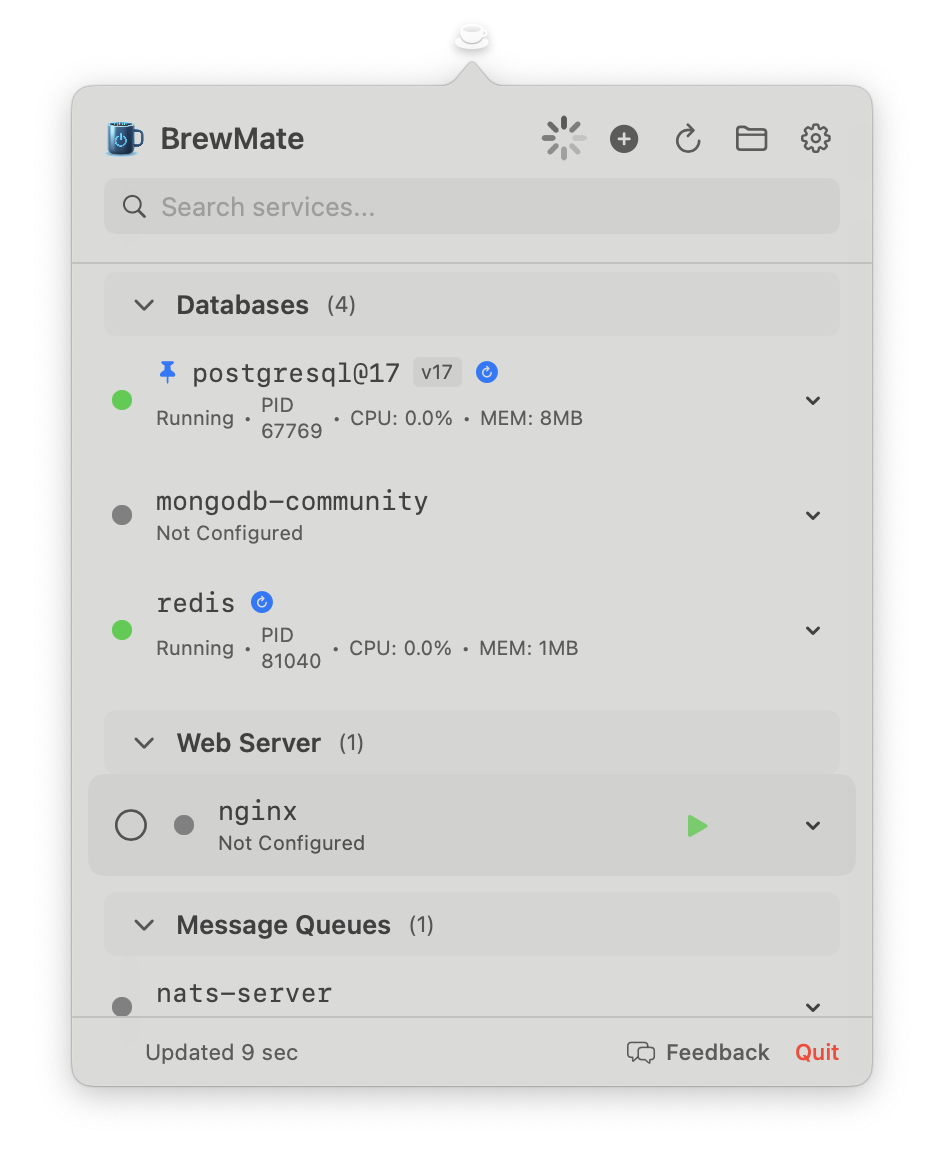
Stop fighting terminal commands. One click starts, stops, and monitors any Homebrew service from your menubar.
14-day free trial • No credit card required • $29 one-time • macOS 13+ • 30-day guarantee
Everything you need to manage services
Built for developers who value their time and want professional tools
One-Click Service Control
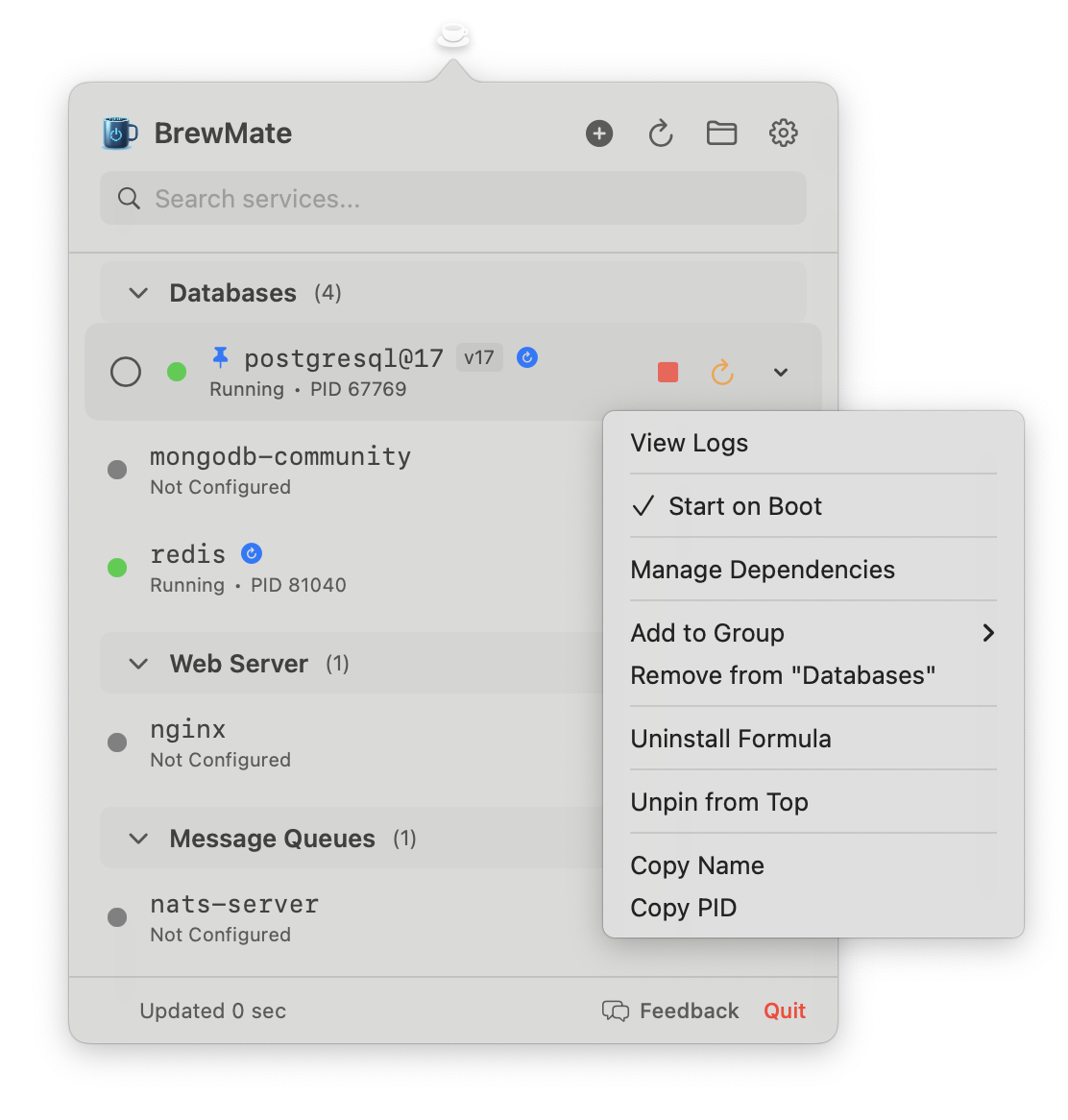
Start, stop, and restart any Homebrew service instantly from your menubar. No more typing terminal commands or remembering syntax.
Real-Time Resource Monitoring
See which service is eating CPU before it crashes your system. CPU and memory graphs update every second per service.
Beautiful Log Viewer
Find errors in seconds with full-text search and syntax highlighting. Export logs for debugging. Never use tail -f again.
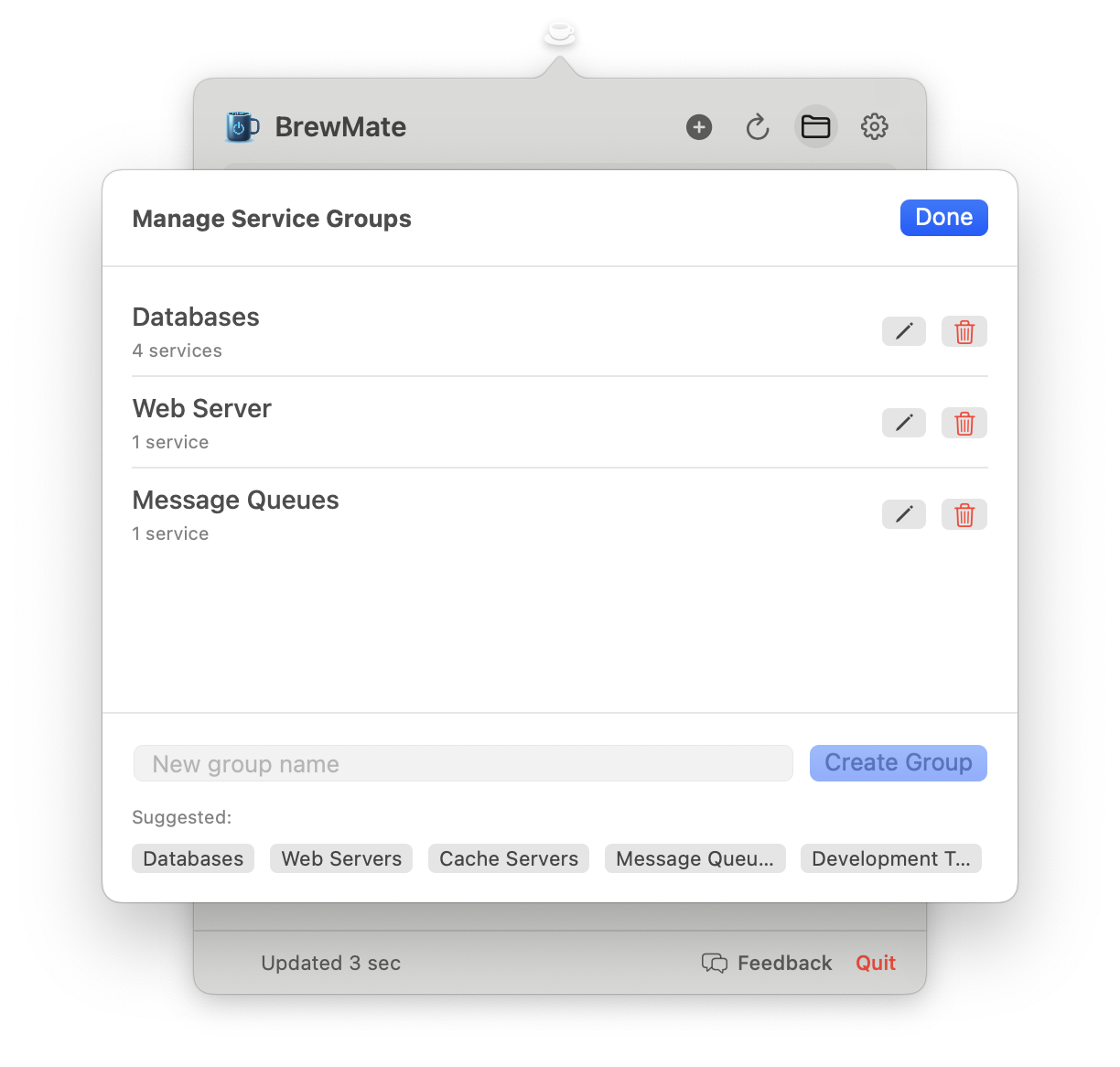
Service Groups & Bulk Operations
Start your entire dev stack with one click. Group PostgreSQL, Redis, and Elasticsearch together for instant project setup.
Auto-Start Management
Control what launches at boot with a single toggle. No more hunting through launchctl or plist files.
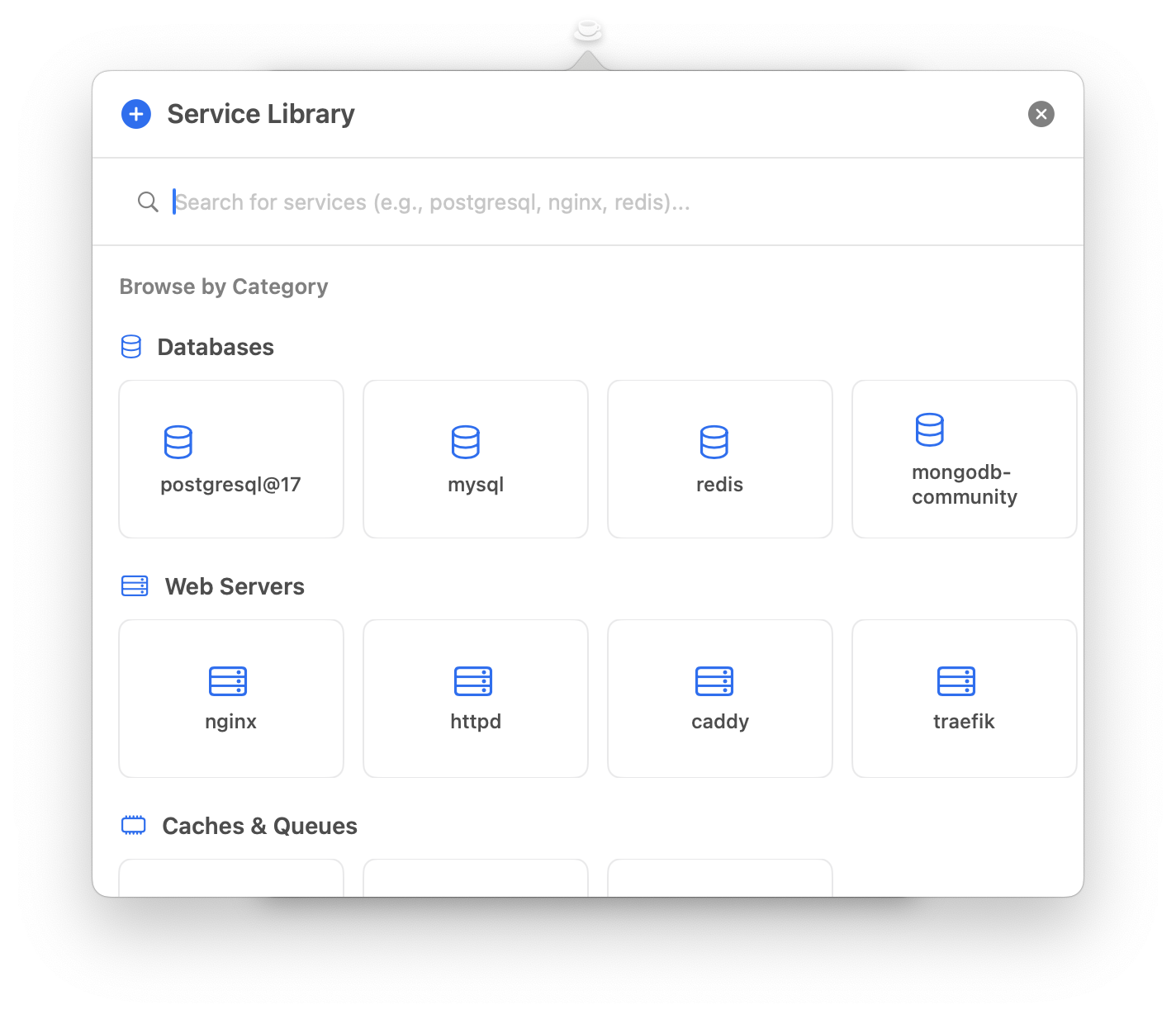
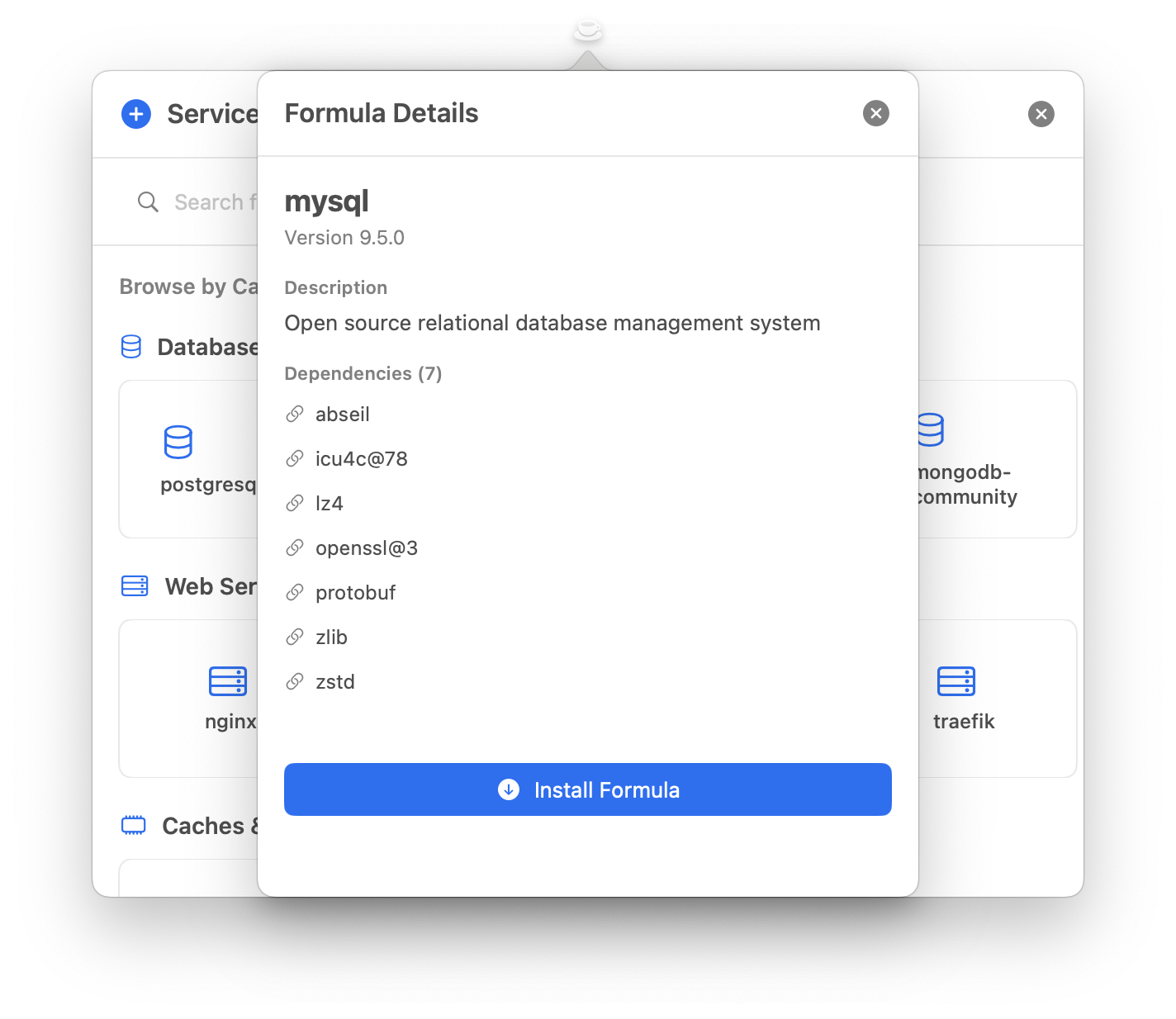
Service Library
Discover and install PostgreSQL, Redis, MySQL, Nginx directly from BrewMate. No Googling for brew install commands.
Why BrewMate vs. Manual CLI?
- No memorizing brew commands
- Visual status indicators for all services
- Always accessible from menubar
- Resource monitoring built-in
- 10x faster than switching to Terminal
3 seconds
vs 30 seconds
Average time to restart a service
Privacy-First Design
BrewMate is built with your privacy in mind. We believe developer tools should respect your data.
No Internet Required
Works 100% offline
No Tracking
Zero analytics in app
No Account
No sign-up needed
Local Only
Data stays on your Mac
How It Works
Get started in under 2 minutes
Download & Install
Download BrewMate from GitHub. Drag to Applications folder. Launch from menubar.
Manage Services
Click the menubar icon. See all your Homebrew services. Start/stop with one click.
Monitor Resources
Track CPU and memory usage in real-time. View logs with syntax highlighting.
No credit card required • 14-day free trial
Simple, Transparent Pricing
One-time payment. No subscriptions. Own it forever.
BrewMate Pro
Pay once, use forever. No monthly fees.
14-day trial • No credit card required
Everything included:
- One-click service control
- Real-time resource monitoring
- Beautiful log viewer with search
- Service groups & bulk operations
- Auto-start management
- Service library (install/uninstall)
- Lifetime updates
- Email support
Save 10x the Time
See the difference between terminal commands and BrewMate
# Check service status
$ brew services list
# Restart PostgreSQL
$ brew services restart postgresql@17
# Check logs for errors
$ tail -f /opt/homebrew/var/log/postgresql@17.log
# Check memory usage
$ top -l 1 | grep postgres
Feature Comparison
| Task | Terminal | BrewMate |
|---|---|---|
| Start PostgreSQL | brew services start postgresql | 1 click |
| Check service status | brew services list | Always visible |
| View logs | tail -f /path/to/log | Built-in viewer |
| See memory usage | top or htop | Real-time graphs |
| Restart all databases | Multiple commands | 1 click on group |
| Time to complete | ~30 seconds | ~3 seconds |
Frequently Asked Questions
Everything you need to know about BrewMate
BrewMate is a native macOS menubar application that provides a beautiful graphical interface for managing Homebrew services. Instead of using Terminal commands, you can start, stop, and monitor services with one click from your menubar.
Still have questions?
Contact SupportReady to Simplify Your Workflow?
Join developers who've ditched the terminal for a beautiful, native macOS experience
14-day free trial • $29 one-time payment • 30-day money-back guarantee